
CapFig is a Google Docs add-on that helps you manage references to (i.e. mentions of) items like figures and tables within your documents.
Install CapFig in the Google Workspace Marketplace.
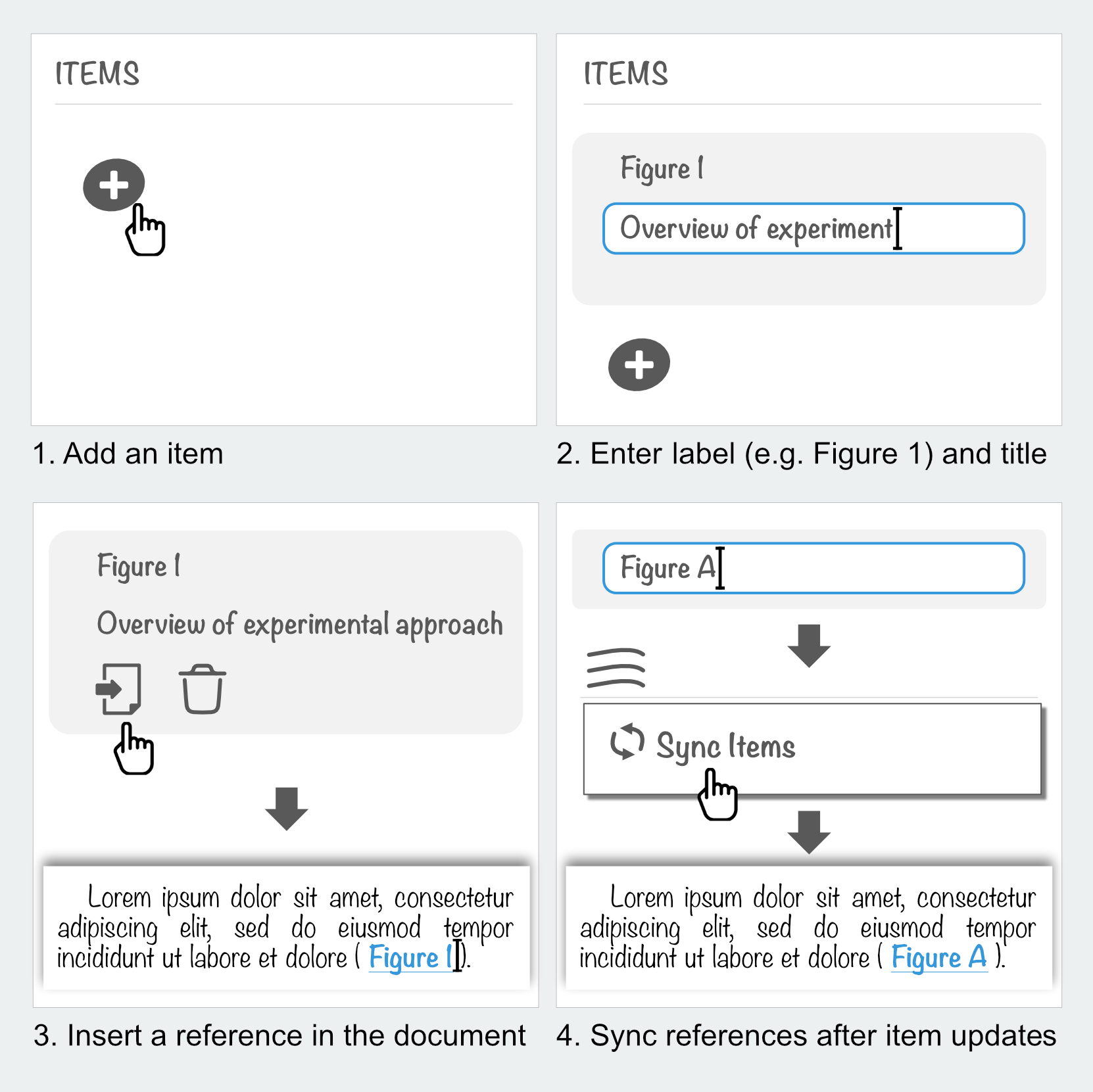
With CapFig, you create items, provide a label (e.g. "Figure 1") and insert references to these items in your document. CapFig will help you synchronize references in your document with its associated source item, for instance, when you modify an item. This eliminates the need for manual updates, which can be tedious and error-prone in long or complex documents.
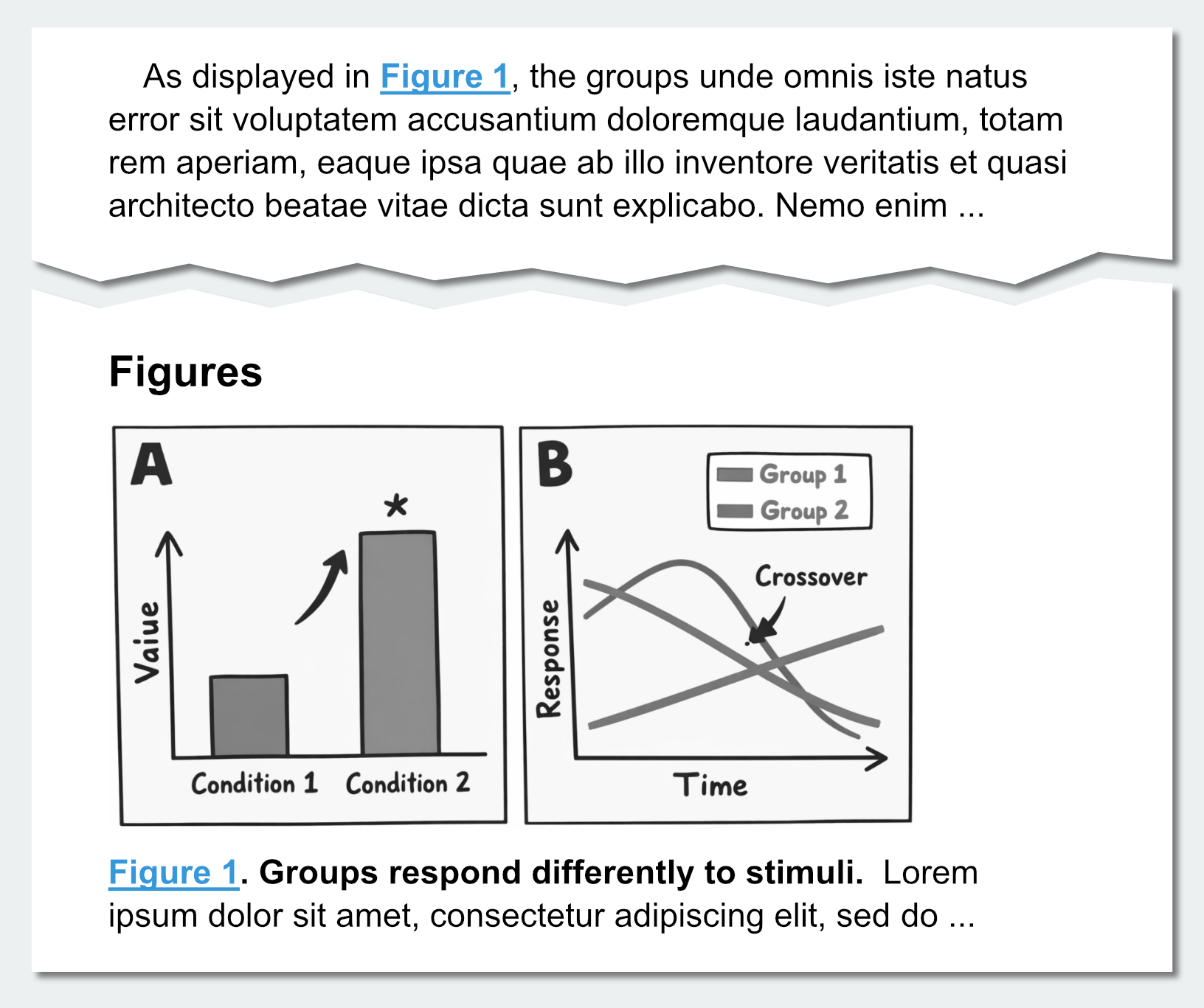
References to a figure (Figure 1) in a document
Quick start
In Google Docs, launch the add-on by selecting from the menu Extensions > CapFig > Insert references and log in.
Features
CapFig was designed to work like a citation manager:
- Create items and insert references to them.
- Synchronize references to items when item labels are modified (e.g. relabelling “Figure 1” as “Figure 4”).
- Orphaned references - those without an associated item - are marked red in the document after syncing.
- Organize your items under "collections" (e.g. for different documents).
Limitations
The current version supports a minimal set of features. That being said, the current version of CapFig does not:
- Prevent you from duplicating items (with identical label and title)
- Support reference formatting (e.g. reference "Figure 1" as "Fig. 1" etc.).
Feedback & Suggestions
I designed this add-on to be quick and easy to use without any training. I was inspired by existing Google Doc add-ons and tried to improve on them by avoiding cumbersome and error-prone steps (e.g. creating customized hyperlinks).
If you think CapFig is useful, let me know at jvwong [at] outlook.com! If you want to propose a feature, or report an issue, visit the issue tracker at GitHub.